YouTube Metadata Toolkit
Inspect video tags, extract titles and descriptions, and download maximum-resolution HD thumbnails.
- Title Extractor
- Metadata Extractor
- Thumbnail Downloader
Extracted Title:
Example Video Title Placeholder
Need more than just the title?
Extract the full video description, hidden tags, and channel data.
Use YouTube Metadata ExtractorVideo Title
Example Video Title placeholder
Tags Array
Description Text
This is where the full video description will appear once you paste a link and tap Extract Metadata...

It will maintain all original newlines and formatting.
Maximum Resolution (1280x720)
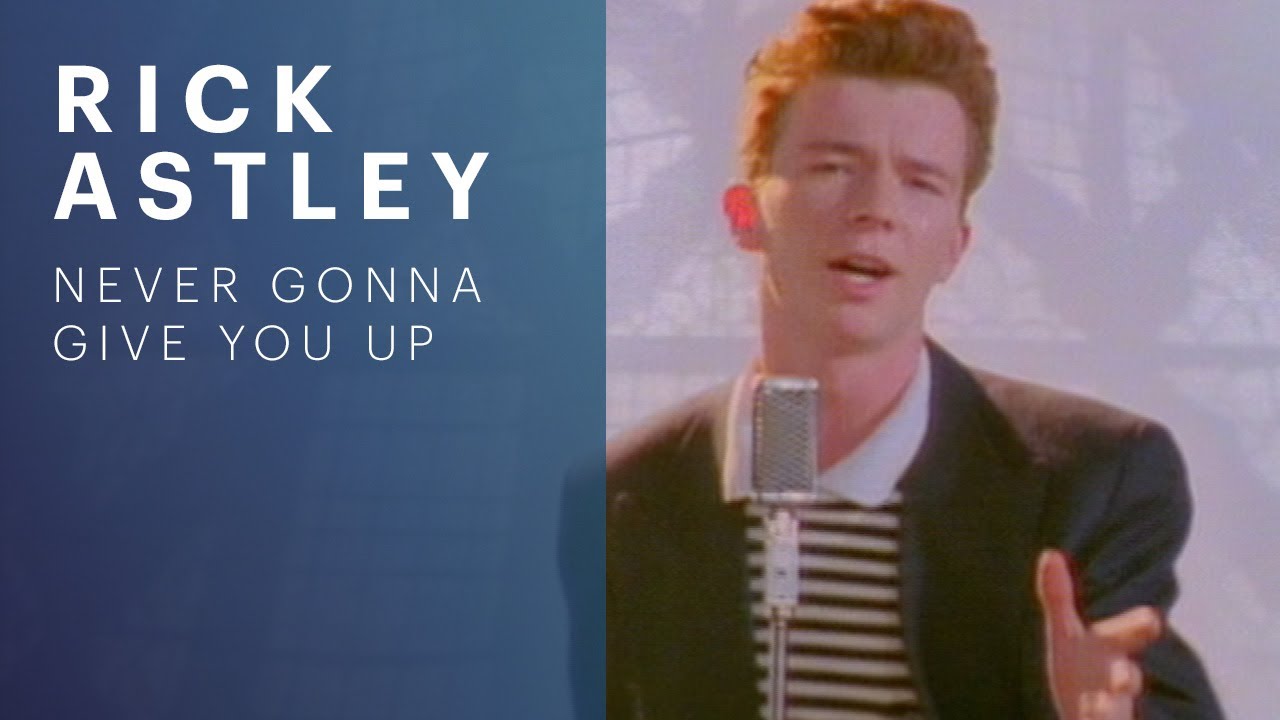
(Tip: Right-click the image and select "Save image as..." to download)
Standard Definition (640x480)

(Tip: Right-click the image and select "Save image as..." to download)
High Quality (480x360)

(Tip: Right-click the image and select "Save image as..." to download)
Medium Quality (320x180)

(Tip: Right-click the image and select "Save image as..." to download)
Default (120x90)

(Tip: Right-click the image and select "Save image as..." to download)
Technical Architecture: Reverse-Engineering YouTube Metadata & Thumbnail Extraction
Analyzing YouTube video metadata for competitive SEO research and asset creation involves querying two primary data layers: YouTube's public oEmbed protocol endpoints and Google's static thumbnail image delivery network (img.youtube.com).
The YouTube Metadata Toolkit parses submitted video links to resolve canonical metadata without requiring OAuth developer credentials.
1. YouTube oEmbed Integration & Metadata Discovery
The tool queries YouTube's authenticated oEmbed endpoint to retrieve canonical author, title, and provider attributes:
async function fetchYouTubeMetadata(videoId) {
  const oembedUrl = `https://www.youtube.com/oembed?url=https://www.youtube.com/watch?v=${videoId}&format=json`;

  const response = await fetch(oembedUrl);
  if (!response.ok) {
    throw new Error('Unable to resolve video metadata from oEmbed');
  }

  const data = await response.json();
  return {
    title: data.title,
    authorName: data.author_name,
    authorUrl: data.author_url,
    thumbnailUrl: data.thumbnail_url,
    provider: data.provider_name
  };
}
2. Algorithmic High-Resolution Thumbnail Resolution
YouTube stores multiple static thumbnail renders for every uploaded video on its image CDN. Rather than relying on low-resolution previews, the toolkit generates direct URLs across the full resolution ladder:
function getThumbnailUrls(videoId) {
  const base = `https://img.youtube.com/vi/${videoId}`;
  return {
    maxres: `${base}/maxresdefault.jpg`, // 1920x1080 (Full HD)
    standard: `${base}/sddefault.jpg`,   // 640x480 (SD)
    high: `${base}/hqdefault.jpg`,       // 480x360 (High)
    medium: `${base}/mqdefault.jpg`,     // 320x180 (Medium)
    default: `${base}/default.jpg`       // 120x90 (Low / Thumbnail)
  };
}
When querying maxresdefault.jpg, if the video creator did not upload a high-definition thumbnail, Google's server returns a 404 or a 120×90 placeholder. The toolkit dynamically tests the image natural width and falls back to sddefault.jpg or hqdefault.jpg automatically.
3. YouTube Thumbnail Resolution Specifications
| Quality Variant | Endpoint Suffix | Pixel Dimensions | Aspect Ratio | Use Case |
|---|---|---|---|---|
| Maximum Resolution | /maxresdefault.jpg | 1920 × 1080 | 16:9 | 1080p Full HD displays, blog hero headers |
| Standard Definition | /sddefault.jpg | 640 × 480 | 4:3 | Legacy 4:3 displays and SD embeds |
| High Quality | /hqdefault.jpg | 480 × 360 | 4:3 | Guaranteed fallback available for all videos |
| Medium Quality | /mqdefault.jpg | 320 × 180 | 16:9 | Search results and related video thumbnails |
| Default Thumbnail | /default.jpg | 120 × 90 | 4:3 | Small feed icons and chat notification cards |
4. Client-Side Security & Zero-Server Data Guarantee
- 100% Client-Side Resolution: Video IDs are extracted and verified locally in browser memory.
- Direct CDN Links: Thumbnails are fetched directly from Google's verified
img.youtube.comdomain. - Zero History Logging: Searches, copied tags, and downloaded thumbnails are never tracked or saved to external databases.
Get notified about updates to this tool
No spam. Just high-quality updates about new features and guides.
Related Tools
Related Posts
Markdown is a lightweight markup language that allows you to format plain text. It is widely used for documentation, writing articles, and creating web content.

Learn how to create, style, and decode 1D barcodes and 2D codes in Python. Master python-barcode, Pillow rendering options (including removing label text), pyzbar, and OpenCV decoding.

A guide for senior developers on identifying and avoiding off-by-one errors in JavaScript with practical code examples.